Receiving a one-time password over email
Table of contents
For your security, npm may require additional verification to allow you to log in to your account. If you do not have two-factor authentication enabled, you may be asked to verify yourself with a one-time password sent to the email address configured for your account.
Logging in with a one-time password
-
On the npm "Sign In" page, enter your account details and click Sign In.
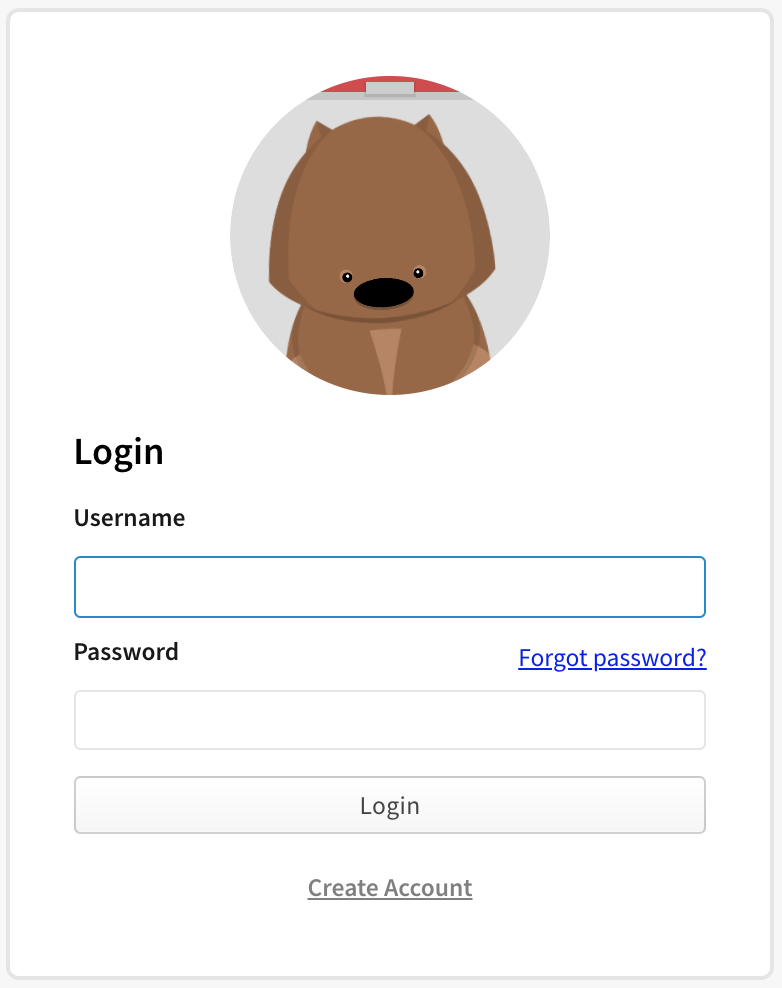
-
You'll be prompted for a one-time password that was sent to your email.
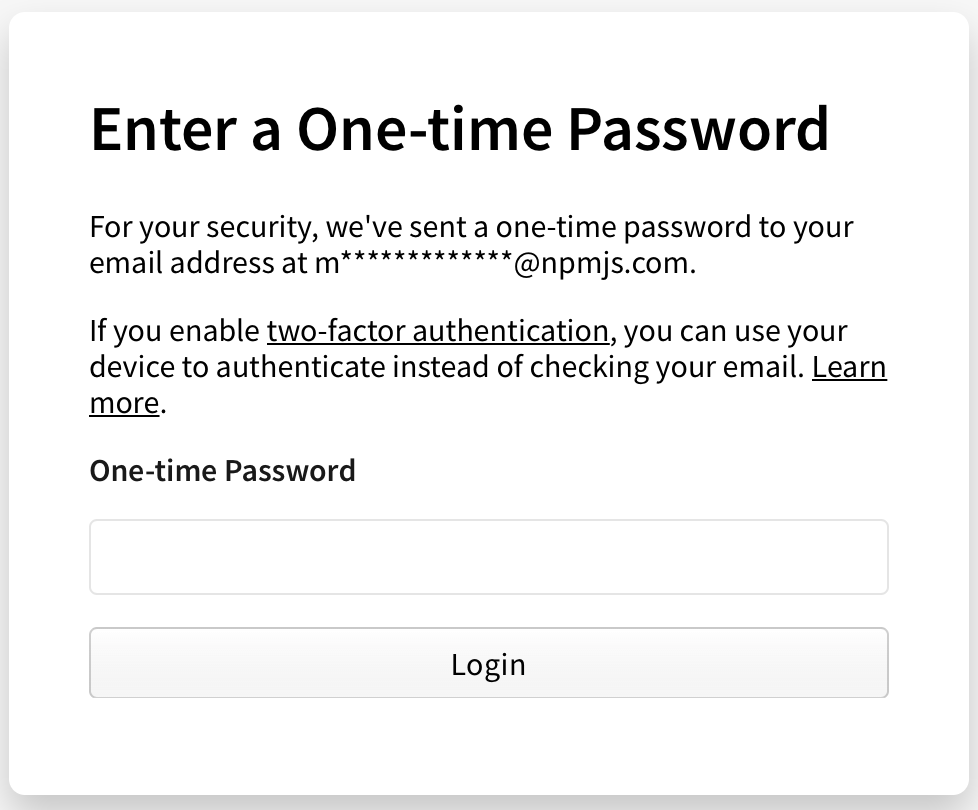
-
Check your email account for an email from npm containing your one-time password (the subject will begin "OTP for logging in to your account").
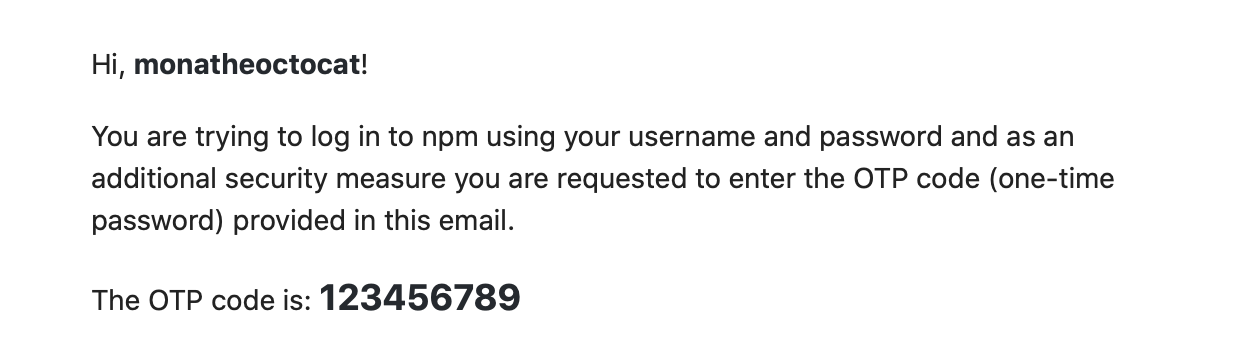
-
Enter the digits from your email in your one-time password field.
Enabling two-factor authentication
To avoid this additional login step, with a one-time password sent to you via e-mail, you can configure two-factor authentication with a device (2FA) instead.
Unable to access email
If you are unable to access the email linked to your npm account, you can submit a support ticket to reset this email address.
-
On the npm "Sign In" page, enter your account details and click Sign In.
-
Under the "Login Verification" form, click Try recovering your account.
-
On the "Request an Account Recovery" page, click Start Account Recovery.
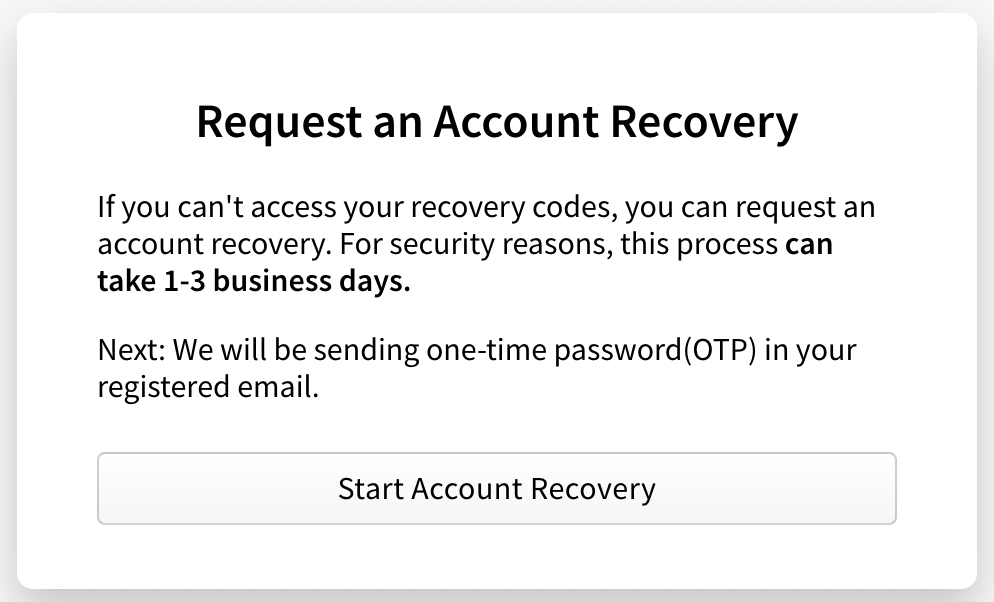
- In the "Open a Support Ticket" form, enter the following information:
- In the Email field, enter an email address where our support team can contact you.
- In the How can we help? section, select Reset my email.
-
If you need help with anything else, in the How can we help? section, select Other and enter more information in the Additional Details field.
- If you have previously linked a GitHub account to your npm account, select Connect to GitHub. This will help our support team verify your account.
- At the bottom of the form, click Submit Support Ticket.
![dependabot[bot]](https://github.com/dependabot[bot].png?size=40)

