Creating a new user account on the public registry
Table of contents
If you do not already have an npm user account, you can create an account in order to share and download JavaScript packages on the public registry.
Creating an account on the website
-
Go to the npm signup page
-
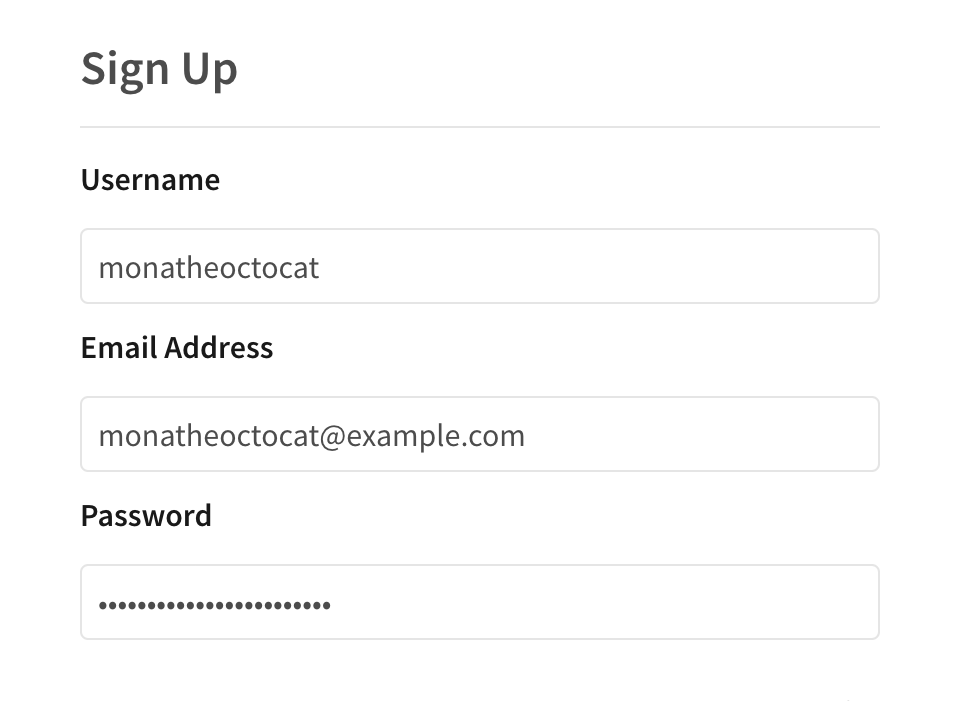
In the user signup form, type in the fields:
- Username: The username that will be displayed when you publish packages or interact with other npm users on npmjs.com. Your username must be lower case, and can contain hyphens and numerals.
- Email address: Your public email address will be added to the metadata of your packages and will be visible to anyone who downloads your packages. We will also send email to this account when you update packages, as well as occasional product updates and information.
- Password: Your password must meet our password guidelines.
-
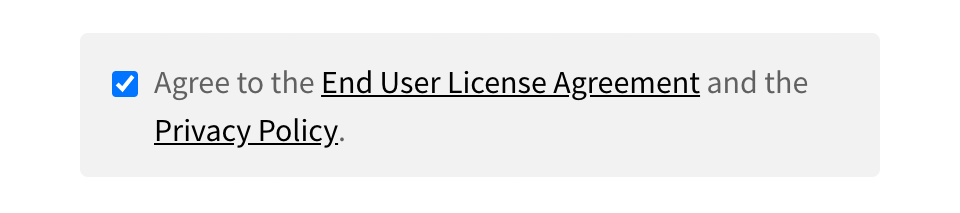
Read the End User License Agreement and Privacy Policy, and indicate that you agree to them.
-
Click Create An Account.

Note: After signing up for an npm account, you will receive an account verification email. You must verify your email address in order to publish packages to the registry.
Testing your new account with npm login
Use the npm login command to test logging in to your new account.
Note: If you misspell your existing account username when you log in with the npm login command, you will create a new account with the misspelled name. For help with accidentally-created accounts, contact npm Support.
-
On the command line, type the following command:
npm login -
When prompted, enter your username, password, and email address.
-
If you have two-factor authentication enabled, when prompted, enter a one-time password.
-
To test that you have successfully logged in, type:
npm whoamiYour npm username should be displayed.
![dependabot[bot]](https://github.com/dependabot[bot].png?size=40)


